Capacity Planning
GP appointment capacity management you can see
Practices often leave 15–20% of capacity unused simply because nobody can see rooms, shifts, and demand in one place. SuperGP surfaces staffing and capacity so you can plan the day, not guess it.
Staffing blind spots waste appointments
When shifts, rooms, and patient demand live in separate spreadsheets, you can't see unused capacity until the day is over — and patients are waiting meanwhile.
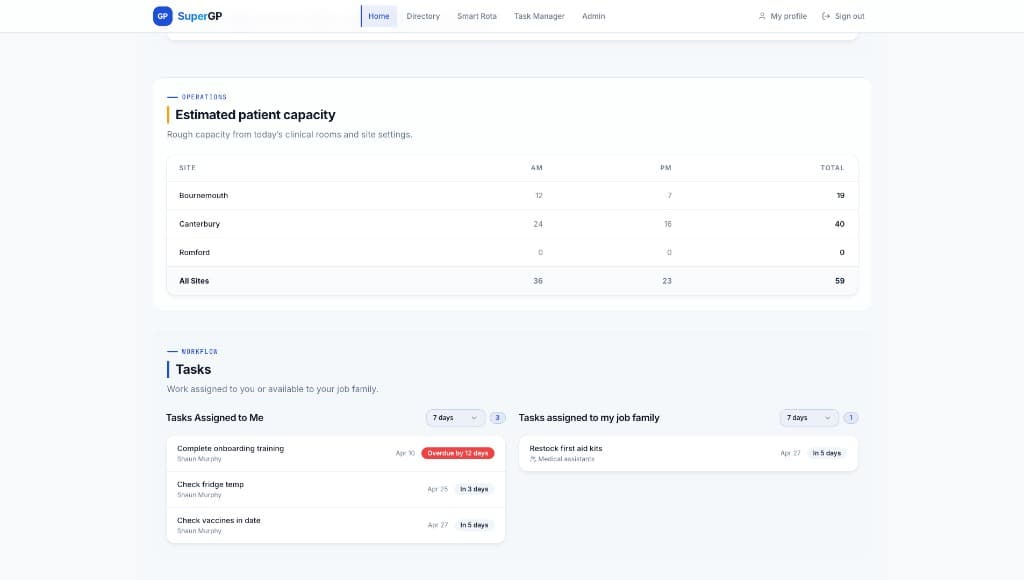
See capacity across every site in real time
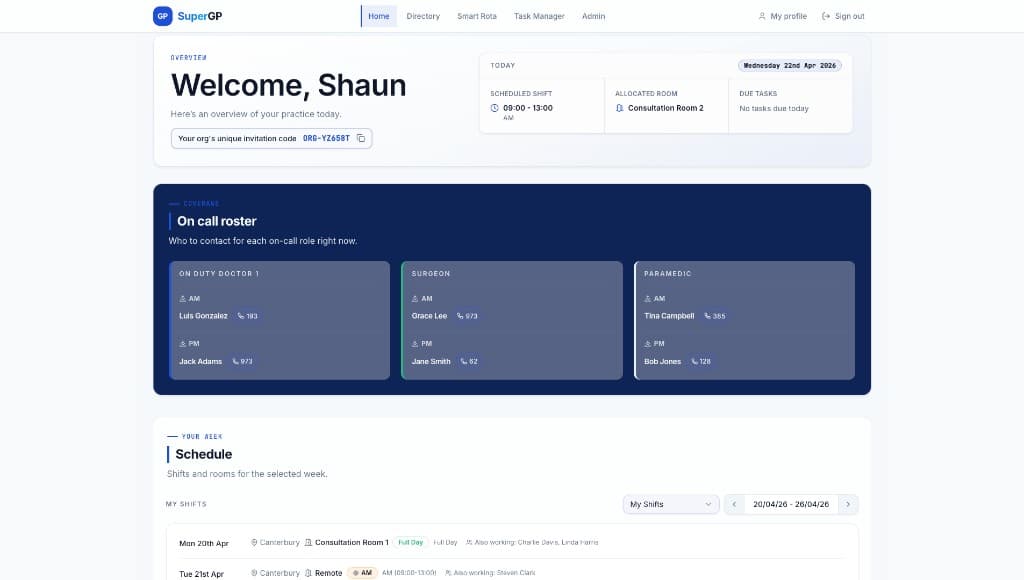
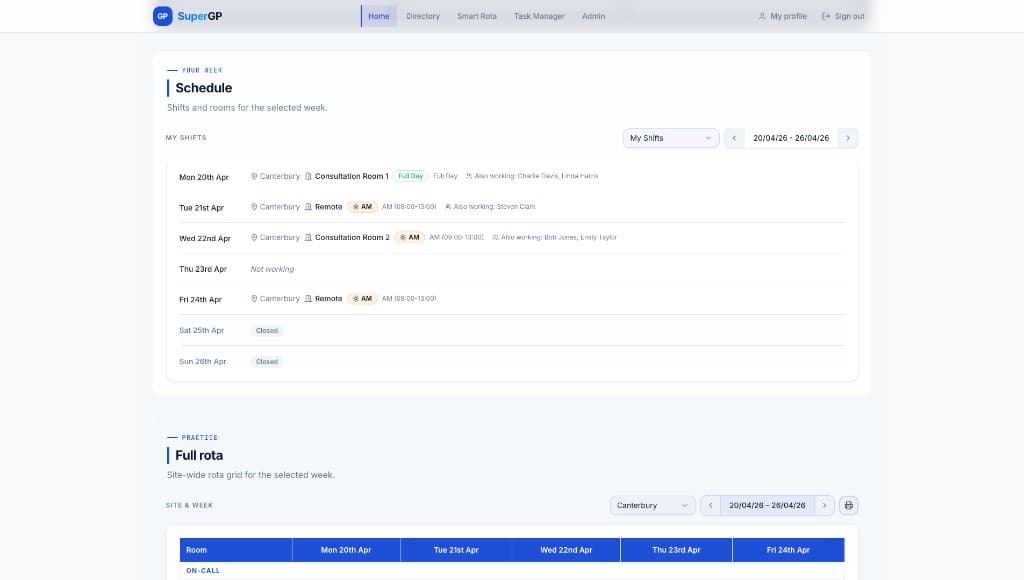
Track shifts, room assignments, and daily patient capacity from one dashboard. Know who's working, where, and when — so you can maximise throughput without burning out the team.
What you get
- View current shifts and room assignments at a glance
- Monitor patient capacity across all sites in real time
- See on-call leads and coverage status instantly
- Access historical rotas for planning and print anytime
- Export data for reporting or offline use
- Plan daily sessions with full staffing visibility
See it in the product
Questions, answered
By tying rota, rooms, and site capacity into one view. You see who's available and where rooms are free — so unused slots become visible before the day ends.
Run your practice. Not your spreadsheets.
Start your 14-day free trial today.